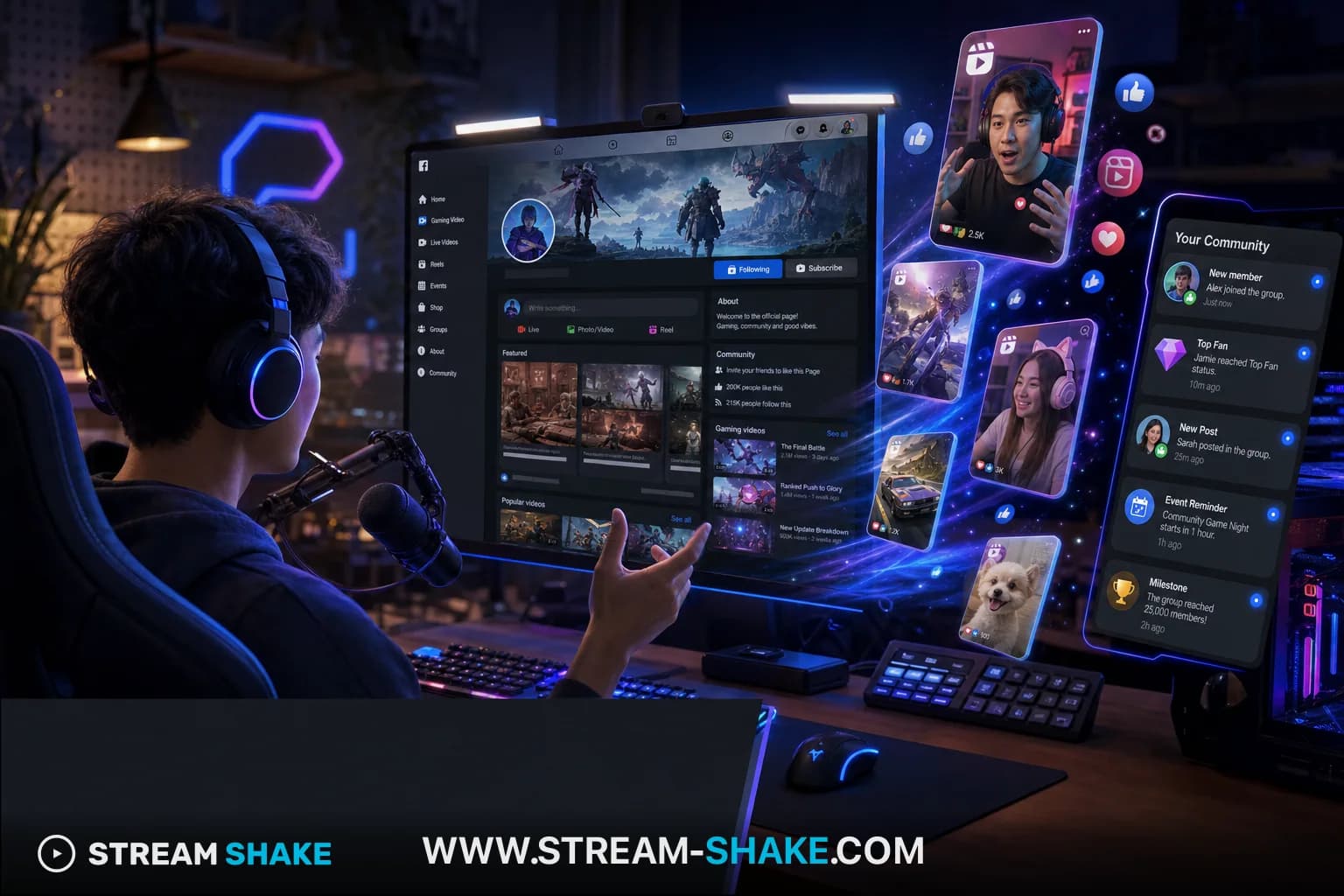
Facebook Gaming now lives inside the main Facebook experience — your Page, Reels, and Groups are the main tools, not a separate “gaming only” island. Treat every live as a native Meta event: scheduled, clipped, and re-targeted to warm audiences. Stream Shake is strongest for Twitch today, but the same promotion habits — schedule, clips, mutual discovery — apply everywhere. If Twitch is your main home, pair this guide with our Twitch viewers hub and the checklist-style guide “10 Twitch promotion strategies that actually work” after you lock your routine here.
How to use this guide
Skim the table of contents, pick one section to implement on your next stream, then return for the FAQ and related guides. Every tactic here assumes real viewers — no bots.
Multi-platform promotion snapshot
1–3s
Short hook
Stop the scroll
Every clip
CTA to live
Why watch now?
1:5
Repurpose ratio
One stream → five clips
Live ACV
Measure
From that platform’s traffic
| Platform | Best for | Format | Drive to Twitch |
|---|---|---|---|
| YouTube Shorts | Gaming clips | Vertical 9:16 | Pinned comment + title |
| TikTok Live | Personality hooks | Vertical + live | Link in bio / story |
| Kick / Trovo | Alt live audience | Live mirror | Cross-promo in chat |
| Community | Reels + live | Stories before go-live |
Our Twitch expertise
This guide reflects how the Stream Shake team works day to day: we stream on Twitch, track platform policy and category shifts, and test growth tactics in the field—not from second-hand summaries. That hands-on experience is what shaped Stream Shake, our ToS-compliant mutual-viewing tool built to help streamers get discovered without viewbots or empty-room penalties.
1. Treat Your Facebook Page Like a Product Landing Page#
Pinned post = weekly schedule. Cover video or trailer = 30-second proof of vibe. First-time visitors decide in seconds whether to turn on live alerts.
2. Schedule Lives With Built-In Reminders#
Facebook’s scheduled live objects notify people who already interact with your Page — far warmer traffic than a cold directory click on other platforms.
3. Clip Vertical Reels Within Hours of Each Session#
Reels still pull non-followers into your ecosystem. Hook in frame one, caption with game + stakes, end with “Lives every Tue/Thu” + link in bio if you use one.
4. Join Niche Groups — Contribute Before You Ever Link#
Mods delete drive-by self-promo. Answer questions, post clips that help the group, then mention your live schedule in profile or when asked.
5. Stars and Milestones as On-Screen Story Beats#
Visible goals (“Next Star goal = new overlay”) give lurkers a reason to stay without guilt-tripping.
6. Cross-Post Short Clips to Instagram (Same Meta Account)#
Stories with countdown stickers on live day pull in Instagram followers who never open Facebook by default.
7. Optimise Live Titles for Search + Share#
Include game name, language, and format (“DUO ranked — EN/ES”). Avoid vague vibes-only titles that do not travel in shares.
8. Replay Titles and Chapter Markers for VOD Discovery#
Facebook surfaces long replays when titles and descriptions match what people look up after patch days or tournaments.
9. Moderation and Slow Mode on Spike Days#
Promotion spikes attract low-context viewers. Clear rules in panel + slow mode keep engagement quality high — Meta rewards watch time, not raw chaos.
10. Route Cold Starts Through Ethical Mutual Viewing#
When your Facebook Gaming live still needs concurrent viewers in the first minutes, use Stream Shake the same way as on Twitch: real people, real chat, points you earn by supporting others.
FAQ#
Stream Shake — lawful growth & channel promotion
Stream Shake is a mutual viewing marketplace: real streamers watch real channels to earn points, then spend points to receive live viewers. The platform is built for ToS-safe promotion and cold-start momentum — not viewbots or purchased fake viewers.
Channels averaging 1,000+ concurrent viewers on live streams can get tailored partnership terms — sponsorship packaging, leaderboard visibility, and co-marketing. Use our contact page to discuss collaboration.
Stream Shake does not sell or endorse viewbots; unlawful viewer inflation violates Twitch ToS and sponsor trust.
Partnership & contact
Growing lawfully on Twitch or running 1,000+ CCV? Contact Stream Shake — partnership requests, media, and support in one form.
Twitch growth on Stream Shake (primary)
Streaming glossary
- Short-form (vertical)
- TikTok / YouTube Shorts / Reels style — 9:16 hooks under ~60 seconds. Separate skill from horizontal VOD clipping; strongest growth loop for many Twitch-first creators.
- Clip hook
- The first 1–3 seconds + on-screen/text promise that earns a swipe stop on Shorts/TikTok. AI helps brainstorm; you verify it matches the clip.
- Cold start
- The empty-room phase before you have habitual chatters — where packaging (titles/clips) and real concurrent viewers matter most.
- Raid
- When a stream ends, sending viewers to another live channel — a legitimate way to bootstrap discovery without fake viewers.
Is Facebook Gaming still a separate app?
No — Meta folded gaming discovery into the main Facebook app. Promotion now means Page, Reels, Groups, and scheduled lives — this guide reflects that.
Will Facebook Gaming articles steal traffic from my Twitch pages?
Not when Facebook posts read like Facebook, Twitch posts read like Twitch, and you only cross-link where it helps real viewers — not by pasting the same promo block everywhere.
Should every platform get the same clip caption?
No — tailor hooks and CTAs per platform while reusing one vertical master. Same footage, different first line and hashtag set.
How do I avoid splitting my audience across apps?
Publish one link-in-bio hub with schedules per platform. Tell viewers where you are live tonight, not everywhere at once.
No credit card · ToS-safe mutual viewing — grow and promote your channel lawfully

